自 2010 年以来,始终坚持以通过【依样·优化·创新·专利】定制服务为客户创新价值做贡献为经营宗旨而砥砺前行、稳健发展。
广东日臻尚勤技术有限公司

电话号码 : 13316653039
电子邮箱 : gongli@nisus-tech.com

When you pick a 4k high-definition video cable assembly for endoscopic imaging systems, you keep your surgical images looking good. The right cable lets your surgical team see every detail in high definition during surgery. You need a cable that fits your uhd system and works well in a surgical environment. A strong video cable makes you feel sure about every system you use for surgery. With the best 4k high-definition video cable assembly for endoscopic imaging systems, your uhd system can show clear images for every surgical procedure.
When you pick a cable for your uhd system, you should know about connector types. Each connector works best in different situations. You need to match the connector to your surgical system. This helps you get the best hd images during surgery.
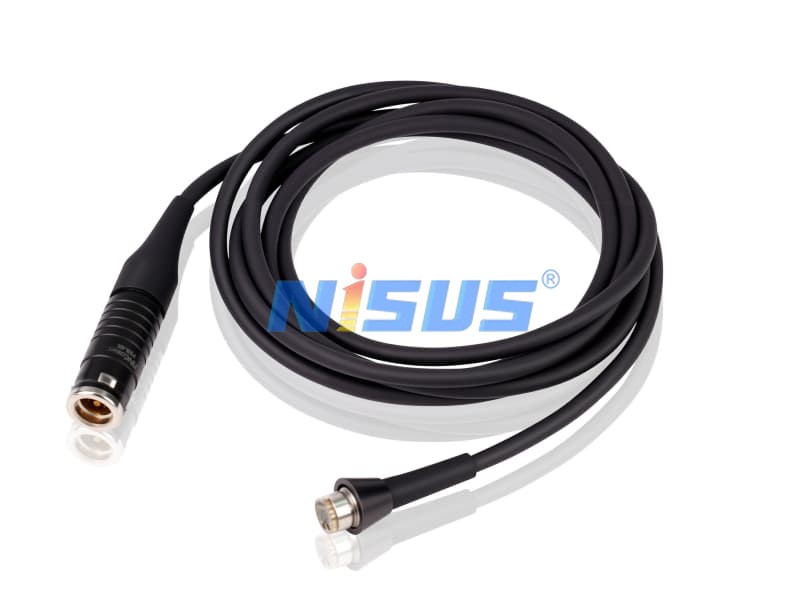
HDMI connectors are used a lot in uhd systems. These connectors send hd and 4k ultra-high definition signals. HDMI can carry both video and audio. Many surgical rooms use HDMI cables for monitors and cameras. You get clear, high definition images. This helps your team see details during surgery.
SDI connectors are good for medical environments. You find SDI in many professional uhd systems. These connectors send hd and 4k signals over long distances. SDI cables do not get much interference. This means you get stable images during surgery. SDI is trusted for reliable high definition video.
DisplayPort connectors are another way to send hd and 4k ultra-high definition signals. Some advanced uhd systems use DisplayPort. These connectors support high bandwidth. You get smooth, high definition images. DisplayPort is good when you need top-quality video for surgery.
You need to make sure your cable supports the right 4k ultra-high definition standards. These standards help your uhd system show clear, high definition images during surgery.
HDMI 2.0 and HDMI 2.1 support 4k ultra-high definition video at high frame rates. You get smooth images with these standards. If your surgical system uses HDMI, pick a cable that supports HDMI 2.0 or 2.1. This gives you the best hd quality for your procedures.
DisplayPort 1.4 lets your uhd system send 4k ultra-high definition video with high color accuracy. You see more detail in your surgical images. If your system uses DisplayPort, choose a cable that meets DisplayPort 1.4 standards. This ensures your hd images stay sharp during surgery.
You must check compatibility when you pick a cable for your uhd system. Not every cable works with every surgical device. You want to make sure your cable matches your system and meets medical standards.
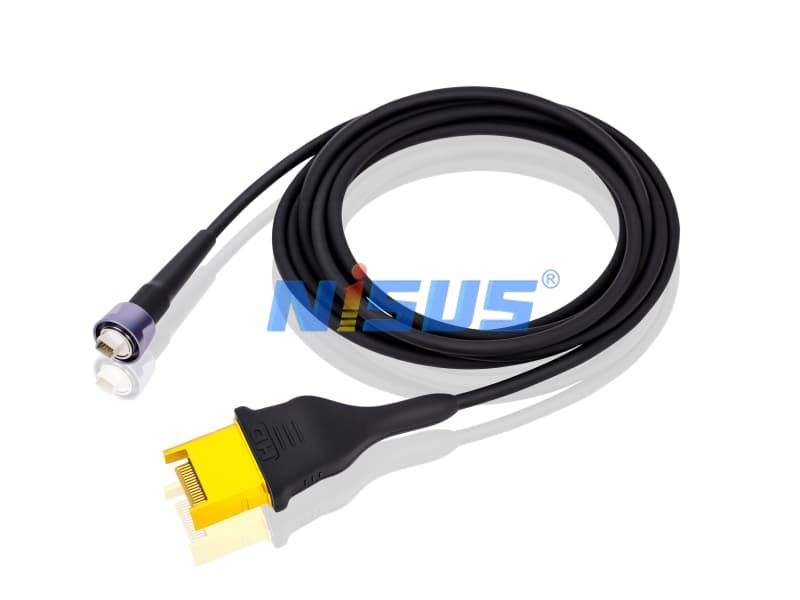
Medical devices need cables that meet strict standards. You should look for cables that have medical-grade certification. This helps you keep your hd images safe and reliable during surgery. Standards compliance also means your cable will not cause problems with other equipment in your uhd system.
Device-Specific Requirements
Each surgical system may have special needs. Some systems need a certain connector or a special type of cable. You should read your device manual to find out what your system requires. This helps you avoid hd image loss or signal problems during surgery.
You want your uhd system to show clear images during surgery. To get this, you need a cable with enough bandwidth. High bandwidth lets your video cable send 4k ultra-high definition signals without mistakes. If your cable cannot handle the data, you might see glitches or lose the image. This can make surgery harder for your team. Always check the bandwidth rating before you pick a cable for your uhd system.
A good cable for a uhd system must support at least 18 Gbps for 4k video at 60Hz. Some cables can go even faster. These cables work well with hd and 4k signals. You should match the bandwidth of your cable to what your surgical system needs. This helps you get the best high definition images during surgery.
Shielding keeps your cable safe from outside signals. In a surgical room, many devices can cause interference. A shielded cable keeps your hd and uhd signals safe. You get stable, high definition images on your monitors. Shielded cables also last longer in a busy surgical room.
You can lower interference by using shielded cables in your uhd system. This is important for surgery. Interference can cause problems with your images. You want your team to see every detail in high definition. Shielded cables help keep your hd and 4k images clear.
Premium high-speed HDMI cables support 4k video at 60Hz and HDR. This means your uhd system can show smooth, bright, and colorful images. These features help your surgical team see more detail during surgery. You should look for these features when you buy a cable for your hd system.
A premium cable gives you the best high definition images. Your uhd system will show sharp and clear pictures. This helps your team do better during surgery. You should always use a high-quality cable for your surgical system.

微信 : 13316653039
电子邮箱 : gongli@nisus-tech.com
电话号码 : 13316653039
座机 : 0769-82583666
广东省东莞市松山湖园区至诚路12号4栋701室


留言
扫描微信 :


Scan to Whatsapp :